Looking for the Apptegy app?
Most mobile app issues are caused by users trying to access the wrong app, using an expired password, or having an outdated browser/app.
Which app is for you?
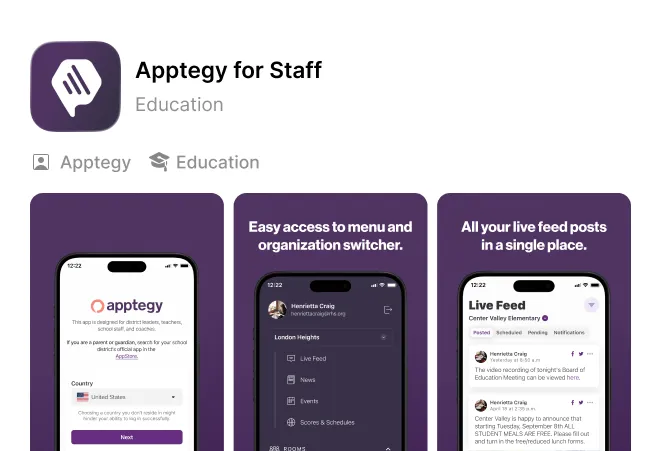
Apptegy Staff Mobile App
This app is designed for district and school leaders, teachers, staff, and coaches. To access this app, users must have verified login credentials from their district. This app allows verified district personnel to send updates, messages, and more from their mobile device.
This app can be found by searching for “Apptegy Staff” in the app store.
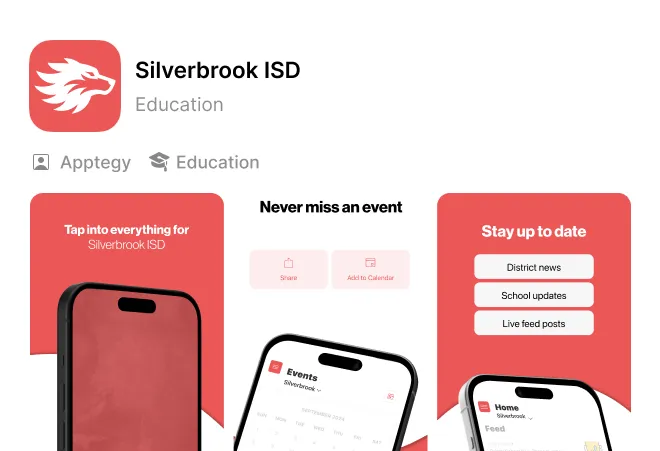
Local District / School Mobile App
This app is designed for families, students, and community members. This allows users to stay connected to the news, events, and messages from their local district.
These mobile apps can be found by searching for the district or school name within the app store. Additionally, they are often linked directly within the footer of your district’s website.
Can’t Login?
Follow these common troubleshooting steps:
Make sure you’re trying to access the right app.
Staff use the Apptegy staff app. Families will use the local district or school app. If you’re trying to login to the wrong app, the login will fail.
Having a different issue?
See below for additional support.

I’m getting a “No Account Found” or “Email Not Recognized” Error
This means your account may not have been created by your district yet. Contact your district or school administrator for help.

I’m seeing a login loop, blank screen, and repeated errors on the web browser.
Try clearing your browser cache and cookies and then attempt to login again. This can be completed by accessing the menu, and privacy and security within your web browser.

I’m being asked for a verification code.
Staff accounts often have two-factor authentication (2FA) turned on automatically. After entering your password, if you’re asked for the one-time code, follow these steps:
Check your email for a code sent from the Apptegy Platform. The code expires within 5 minutes, if it expires, go back to the login screen and start again.

I don’t want to download a mobile app.
No worries! You can access the Apptegy Staff experience on a web browser, including your mobile browser, by logging in at id.thrillshare.com.