Big Ideas.
Bigger Releases.
A look at everything we shipped this quarter to help districts communicate smarter, engage families deeper, and work more efficiently.
8 launches | 2 new categories | 1 new partnership | All in Q1 2026
New Solutions to Drive Outcomes
Every district is being asked to do more with less. This quarter, we built two new products to help — purpose-built for the K-12 teams who need them most. From AI-powered attendance intervention to a district-branded community support hub, Q1 2026 represents some of the most meaningful product work in Apptegy's history. Here's a look at everything that launched.
Attendance Pro
End the morning attendance chaos. For good.
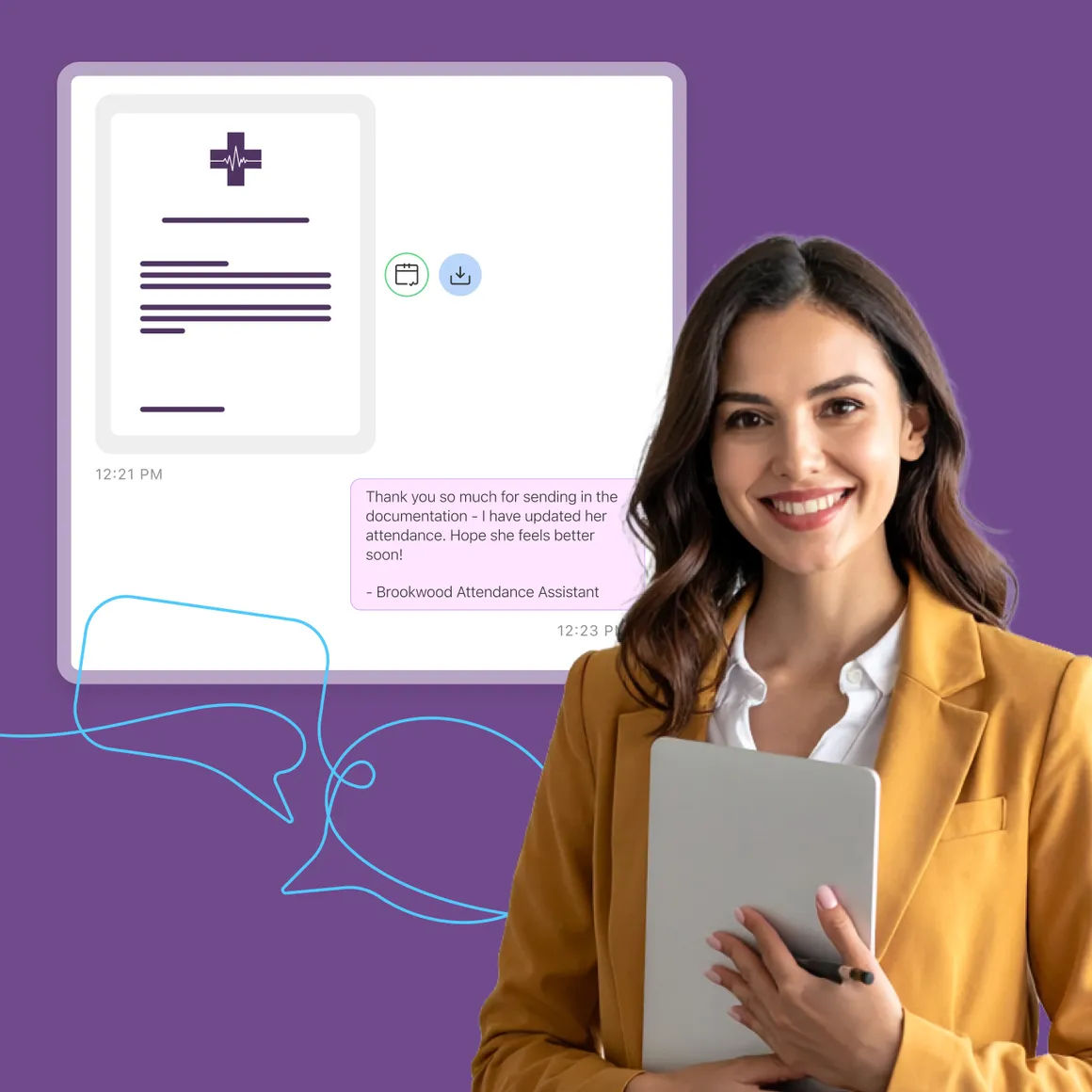
Over 11 million students are chronically absent each year and most districts are still relying on robocalls, manual follow-up, and inconsistent school-level workflows. Attendance Pro changes that entirely.
Attendance Pro automates attendance workflows and engages families in immediate two-way SMS conversations — so districts can intervene sooner, support more students, and protect learning and funding.
→ AI-powered outreach texts families instantly after an absence — in 100+ languages, no staff action needed
→ Guided Root Cause Diagnosis uncovers why a student is absent, not just that they are
→ Automated coding and documentation eliminates note-chasing and re-entry
→ Intelligent routing escalates high-risk cases to the right staff with full context
→ Cohort campaigns trigger automated outreach when students hit absence thresholds
Community Experience
From scattered inquiries to a district-branded customer support hub.
Families want answers instantly. Staff are buried in emails, calls, and walk-ins. Leaders have no visibility into what their community is actually asking. Community Experience solves all three — at once.
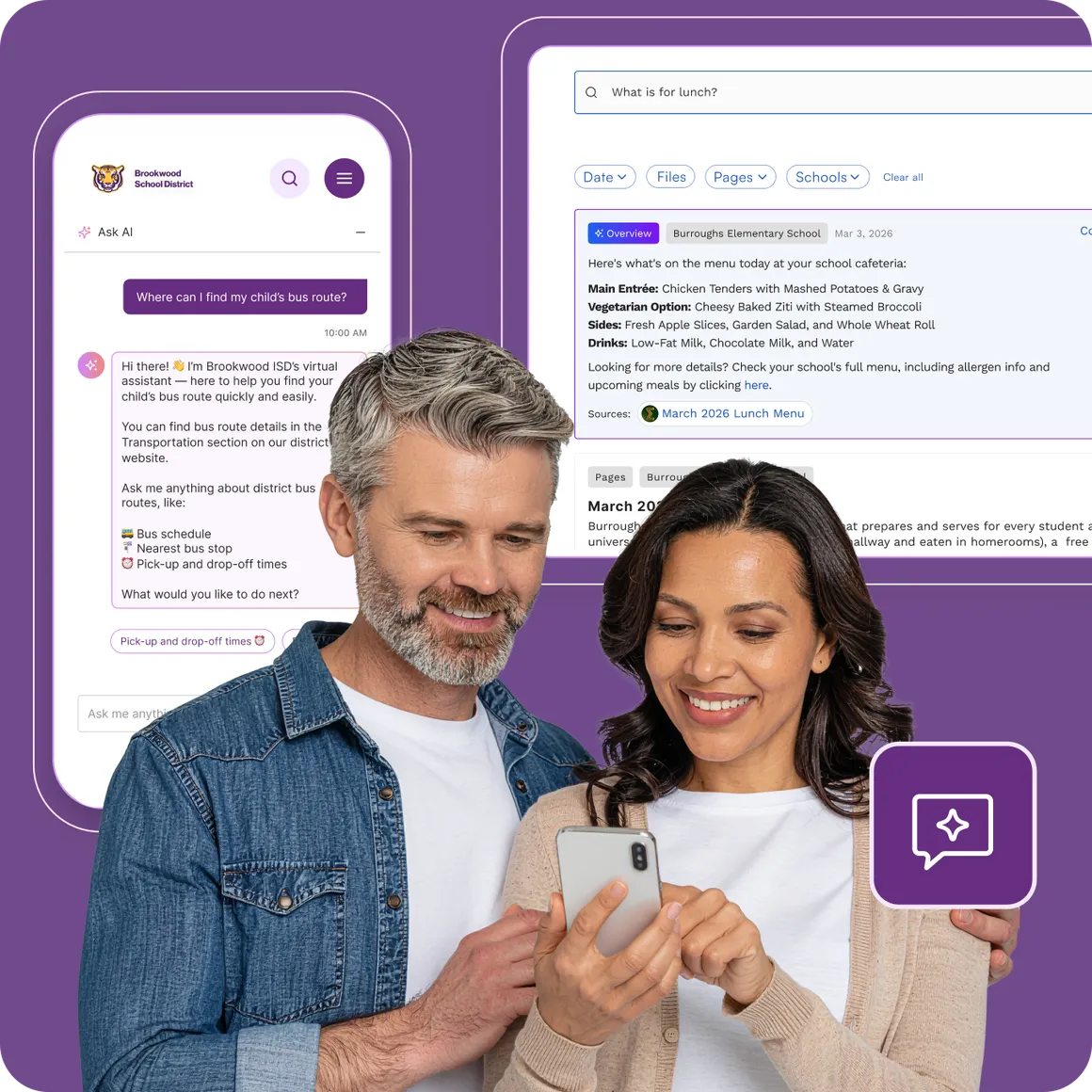
It's the first AI-powered, district-branded inbound communication hub that connects AI Search, AI Chat, task management, and analytics into one seamless workflow — built directly inside Apptegy.
→ AI Search surfaces accurate answers instantly, powered by live CMS content
→ AI Chat handles follow-up questions and supports multilingual families
→ Every Contact Us inquiry is routed into one centralized task in a dashboard
→ Analytics reveal what families search for, where content gaps exist, and which departments need support
Enabling More with Partnerships
Great products don't always mean building everything from scratch. Sometimes it means finding the right partner who's already solved a hard problem exceptionally well — and bringing that solution directly into your district's experience. That's exactly what this partnership represents, and it's just the beginning of how we're thinking about expanding what Apptegy can do for your community.
Givebacks
Yes, we support payments!
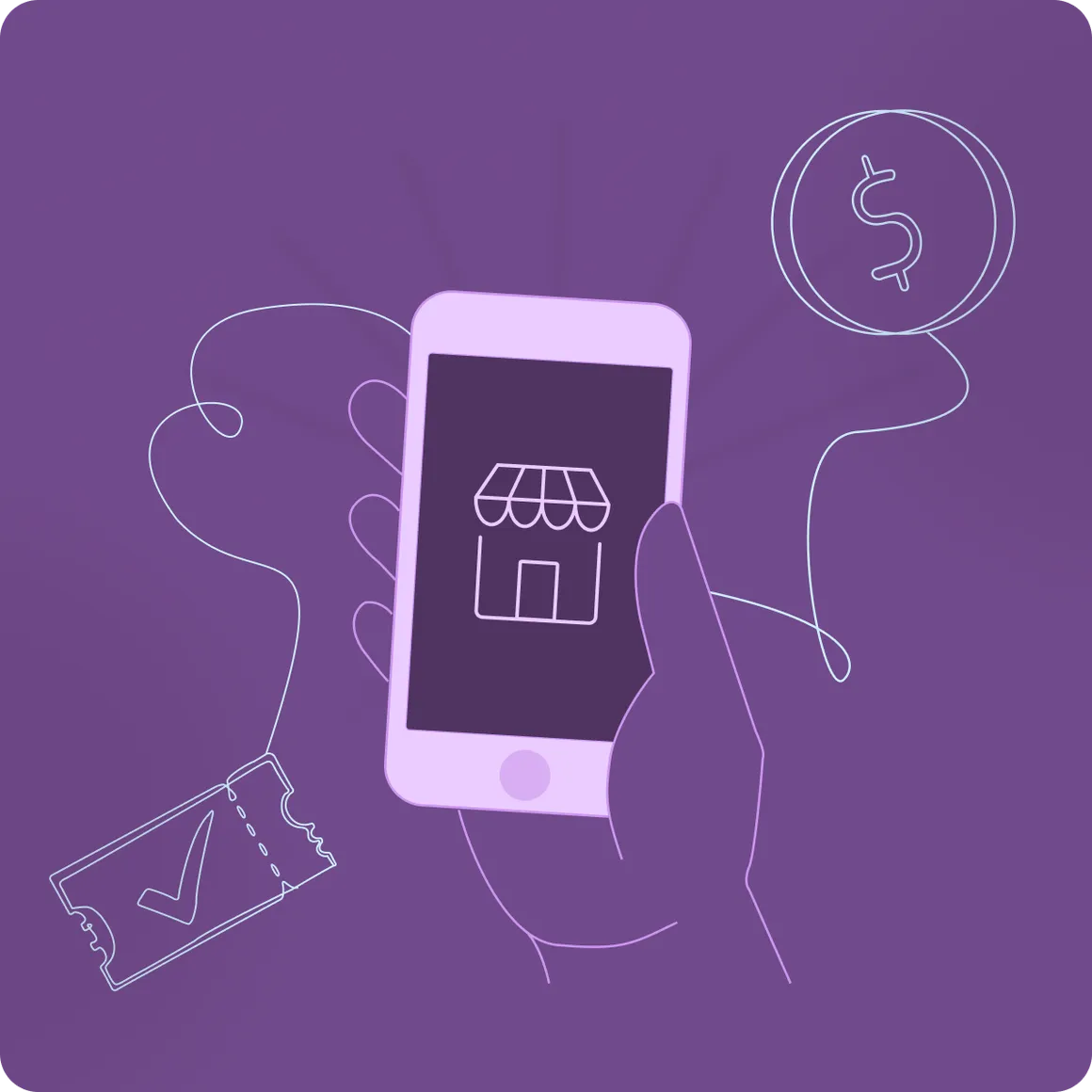
For years, districts have cobbled together personal Venmo accounts, cash boxes, and spreadsheets to handle fundraising and ticketing. That ends now. Through our strategic partnership with Givebacks, Apptegy districts can now offer compliant, centralized payments — embedded directly in the app families already trust.
Accessible directly from menu navigation, admins can embed verified Givebacks links into the Apptegy mobile app and CMS in minutes. No complex backend integration. No ongoing SaaS platform fee to get started.
→ Centralize fundraising, event ticketing, and store purchases in one district-branded experience
→ Replaces "Shadow IT" (Venmo, CashApp, personal spreadsheets) with an auditable, compliant platform
→ Included at no additional Apptegy platform cost for Foundations customers
And that's not all...
Beyond the big launches, we kept making the tools you rely on every day a little smarter, a little faster, and a lot more flexible.
Enhanced Messaging Experience
Smarter sending. Fewer mistakes. Better conversations.
Based directly on your feedback, we redesigned how messages are created and sent. The new split Send button lets staff choose between broadcasting separately or creating a group chat — preventing the accidental group chats that frustrated teachers before.
→ New split Send button (available via web + Staff App) makes intent clear before sending
→ Nested contact view shows guardian-student relationships more clearly
→ Bulk Thread Actions let users mute, hide, or archive threads in bulk
→ Enter key now creates a line break (not a send), matching email muscle memory
Mobile Releases
A major mobile upgrade shipped across every app delivering engagement, stability, accessibility, and communication improvements across the Staff App and your district-branded School Apps.
Platform Stability & Security
Forced app updates keep all users on supported versions. iOS accessibility improvements (VoiceOver, dynamic type, color contrast) make the apps usable by everyone.
Notification Preferences
One unified place to manage all notification settings across messages, groups, and email — consistent across all platforms.
Enhanced Messaging Experience
New broadcast flow, nested guardian-student contact display, bulk recipient selection with drag-and-drop, and flexible send options.
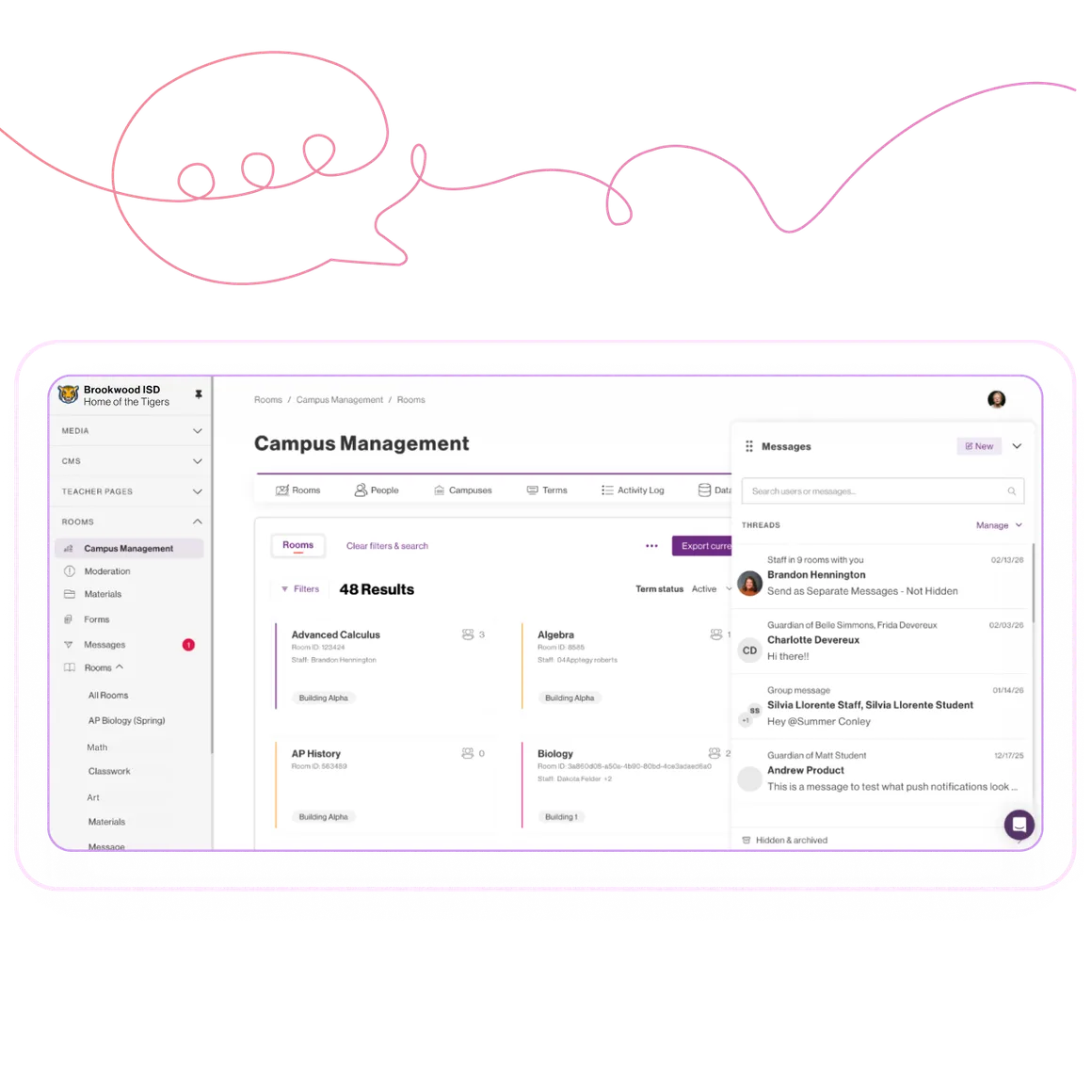
Messaging Widget
Stay in the conversation without leaving your workflow.
Messages now follow you. The new Rooms Messages Widget lets staff send and receive messages from anywhere in the Rooms desktop experience without navigating away from what they're working on.
→ Persistent floating widget accessible across all Rooms pages
→ Unread badges so you never miss a message
→ Draggable across the screen to fit your setup
→ "Message all" shortcut right from a room's participants panel
Global Templates
Create once. Share everywhere across your district.
Before this, every template was stuck at the organization it was created in — meaning teams duplicated effort across buildings. Global Templates lets admins create, share, and manage Live Feed templates across multiple organizations from a single place.
→ Create a template and push it to any organizations you have access to
→ Edit once, update everywhere — changes sync across all shared orgs
→ Full control over which organizations can access which templates
Bulk Select ID Improvements
Work with large contact lists the way your SIS already does.
Administrators regularly need to target thousands of contacts by ID and the old paste-only approach wasn't cutting it. Now, Bulk Select ID supports file uploads (CSV/TXT), scales to 100,000+ IDs, shows real-time progress, and tells you exactly which IDs weren't found.
→ Upload CSV or TXT files — no more manual copy/paste from spreadsheets
→ Processes 100,000+ IDs without freezing the UI
→ Clear feedback on unfound IDs, with a download option for large error sets
Built for You, From Your Feedback
These updates and enhancements are a direct result of the feedback you’ve shared with us. And, this is just the beginning. We can’t wait to share more improvements and new features with you throughout the year.